
Blog
Router Bit Runout: How to Measure and Fix Bit Wobble

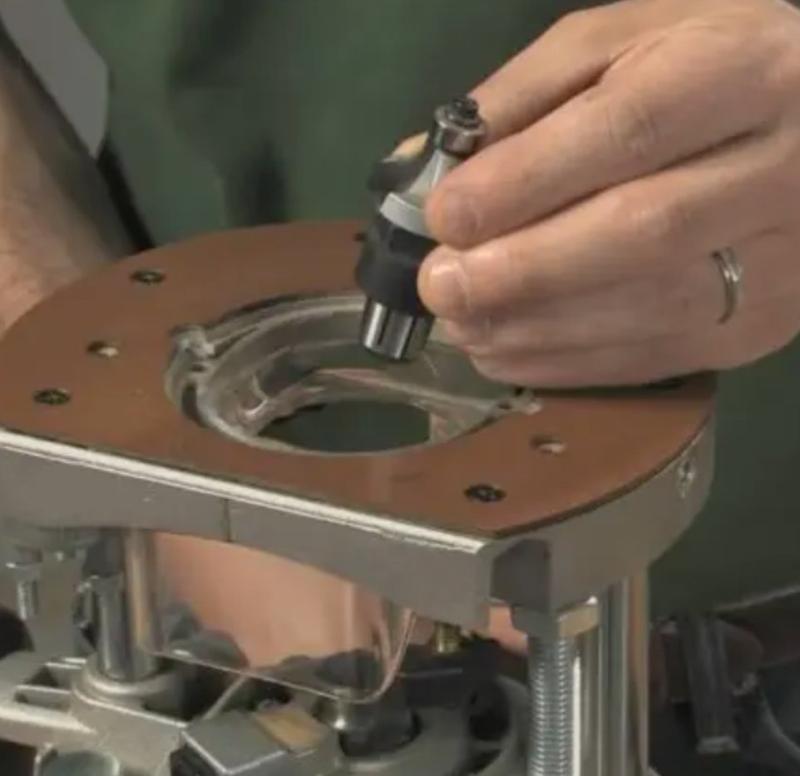
A cutter that spins slightly off-centre will spoil an otherwise clean cut. In fact, router bit runout shows up as ridges, chatter marks and local scorching. Moreover, it wears out collets, spindle bearings and your patience.
This guide explains what runout is and what causes it. It also shows how to bring a wobbly setup back to a true spin. First we look at the numbers. Then we look at the fixes.
What Runout Really Means
Runout is the total error between the true centre of rotation and the actual cutting edge. As a result, every tooth cuts a slightly different circle. Therefore, one edge does most of the work while the others coast.
In practice, two numbers matter. Radial runout measures side-to-side error. Axial runout measures up-and-down error. Both are measured at the cutting edge, not at the shank.
For example, a 0.005 inch radial runout on a two-flute bit is easy to see. In that case, the heavy flute removes more material than the light one. Consequently, the surface shows a wave pattern that no sanding will fully hide.
What Causes Router Bit Runout
Most wobble comes from the tool holding system, not from the router motor itself. However, several small faults can stack up and double the error.
- Dust or resin trapped inside the collet taper.
- A collet that has been overtightened and lost its spring.
- A shank with a burr, a flat spot or a film of rust.
- Bent shanks caused by dropping the bit on a concrete floor.
- A cheap collet with loose manufacturing tolerances.
- The wrong adapter bushing, which adds a second mating surface.
- Worn spindle bearings inside the router.
Because these faults are additive, a dirty collet plus a worn bushing can be worse than either one alone. Therefore, clean and inspect first, then measure.
How to Measure Runout with a Dial Indicator
You need a dial indicator with a magnetic base, or a dedicated runout gauge. Additionally, a short length of clean steel bar helps you zero the setup.
- Unplug the router and remove the bit.
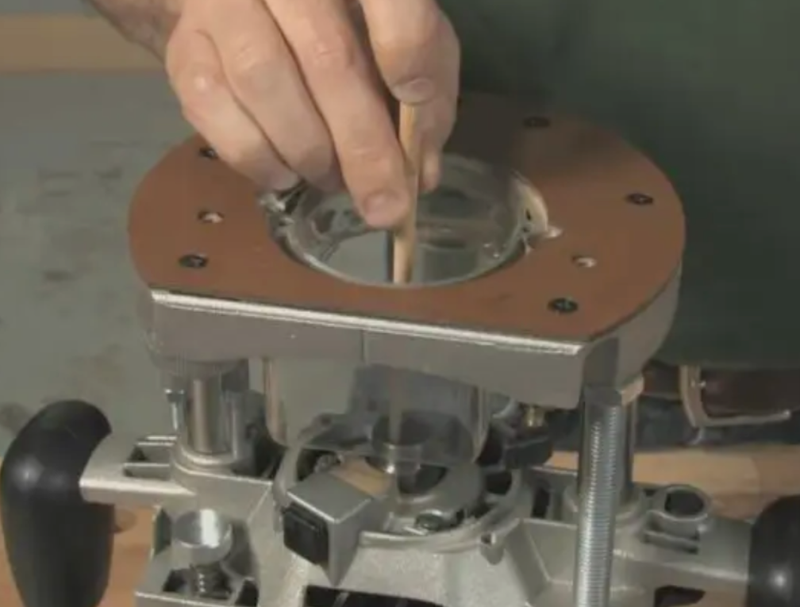
- Clean the collet, the nut and the taper with a dry brush.
- Insert the bit to the correct depth and tighten the nut.
- Clamp the indicator so the plunger touches the flute, not the shank.
- Rotate the spindle by hand through one full turn and note the high and low readings.
- Subtract the low value from the high value, then record the result.
- Repeat the test at the shank to separate bit error from spindle error.
Meanwhile, listen as you turn the spindle. A rough feel or a light scraping sound points to bearing wear rather than a dirty collet.
How Much Runout Is Acceptable
Router bit runout below 0.001 inch is excellent, and it is typical of a clean setup. A reading between 0.001 and 0.003 inch is acceptable for general work. Above 0.005 inch you will see and feel the problem.
However, the threshold also depends on bit diameter. A small 6 mm bit tolerates less absolute error than a wide panel raiser. Therefore, judge runout as a share of the cutting diameter.
Fixes You Can Do at the Bench
Start with the simplest items and work outward. After each step, measure again. In this way you know what actually helped.
- Scrub the collet and taper with a soft brush and a little solvent.
- Wipe the shank with a clean cloth until it is bright.
- Replace the collet if the slots look closed up or uneven.
- Remove any adapter bushing and test the bit directly in the collet.
- Seat the bit to the recommended depth, then tighten the nut firmly.
- Try a second bit of the same size to isolate a bent shank.
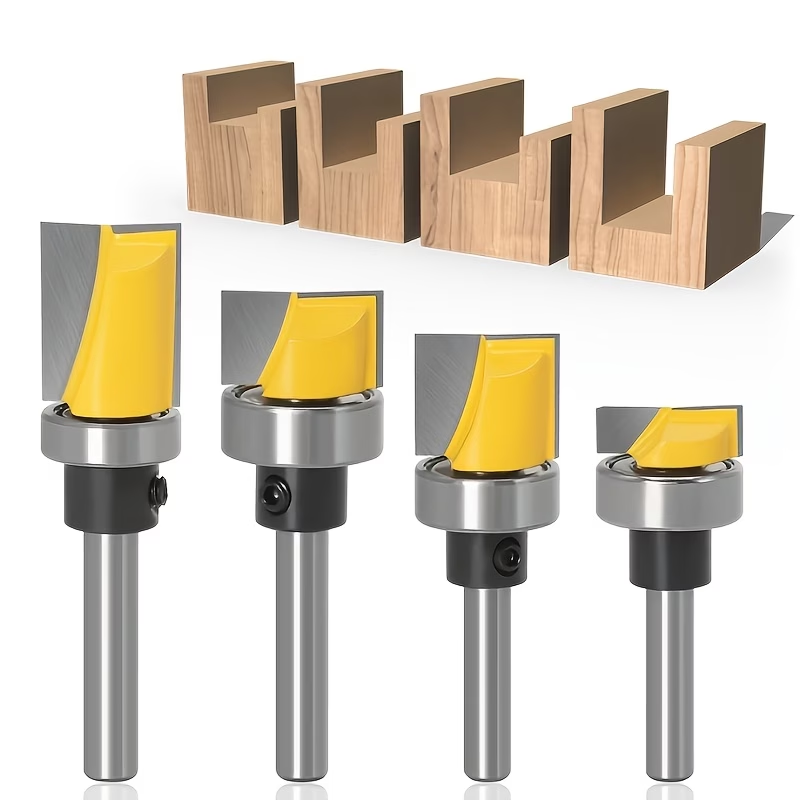
Furthermore, keep two spare collets on the shelf. Moreover, buy your cutting tools from a supplier that controls shank diameter, such as this range of router bits. A true shank is the cheapest runout fix you will ever buy.
When the Machine Is the Problem
If runout stays high after cleaning and swapping bits, the spindle is the likely culprit. In that case, hand the router to a service centre. Meanwhile, retire it from finish cuts. Use it only for rough work.
A router table adds one more link. Therefore, check the table insert plate for flatness too. A plate that sits proud of the table can mimic runout and mislead your measurements.
Preventing Runout in Daily Work
A few habits keep router bit runout low. First, never drop a bit into a drawer. Second, clean the collet every time you change a cutter. Third, store tools in a rack so the shanks stay straight.
Also, avoid over-tightening. Beyond that, replace collets on a schedule instead of waiting for a failure. Finally, log your measurements so you can spot a slow drift before it ruins a job.
If you also want a quick reference for flutes and helix angles, look at our wider selection. A complete router bit collection guide belongs on the wall of your shop.
FAQ
Can I fix a bent shank? No. In most cases, straightening a hardened shank is unsafe. Replace the bit instead.
Does router bit runout affect cut quality? Yes. Even small errors change edge finish and tool life. Therefore, measure before you blame your technique.
How often should I check? Check whenever you change collets and after any drop. Otherwise, a monthly check is enough.
Router bit runout is a small number with a large effect. Measure it, fix the cheap parts first, and your cuts will finally match the drawing.